
Know the table
Read the marked hole values, recognise the mushrooms and get familiar with the D and trough before the first shot.
See the full animation in About60Learn it in the right order
The About60 app teaches bar billiards as a connected sequence rather than a wall of rules. Start with the table, understand how a visit becomes a score, learn what can undo it, and then deal with the finish.
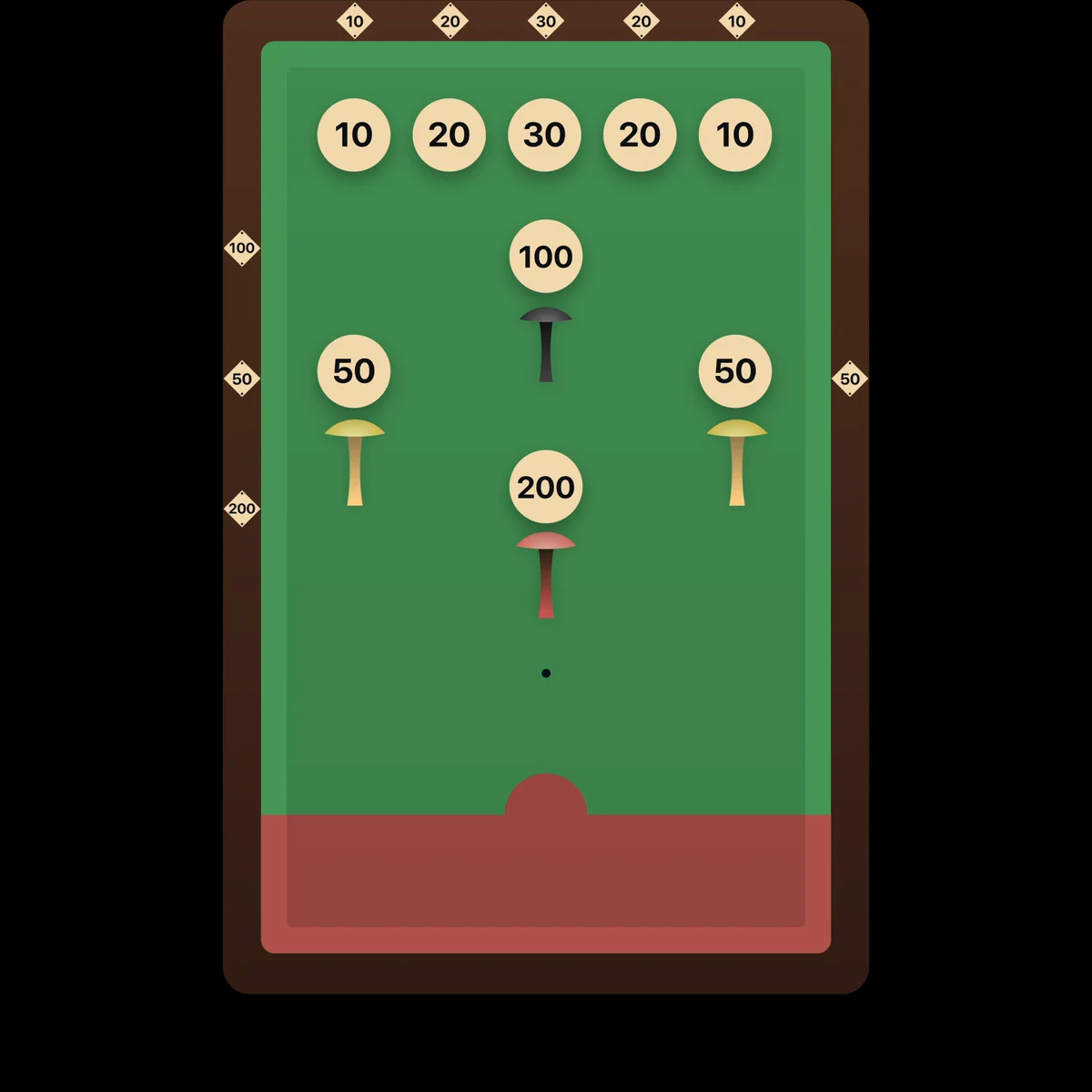
Before thinking about tactics, understand the table and how play begins. The values, mushrooms, trough, timer and D all shape what happens next.
Read the marked hole values, recognise the mushrooms and get familiar with the D and trough before the first shot.
See the full animation in About60Pull the bar fully out, pause, then let it return gently. Releasing the bar starts the timed game and allows balls to return through the trough.
See the full animation in About60Place the cue ball fully inside the D and play it into another ball. A complete miss is not a harmless attempt — it is a foul.
See the full animation in About60A visit is a chain of scoring shots. Keep potting to build the break, use the red when it is available, and finish cleanly so the points survive the turn.
Hit another ball and make a legal pot to continue. Each successful shot adds to the break and earns the next attempt.
See the full animation in About60A white ball scores exactly the value shown by the hole it enters — 10, 20, 30, 50, 100 or 200.
See the full animation in About60The red ball scores twice the marked value. When it is available in the trough, it must be the next ball played.
See the full animation in About60The break is added to the total only when the visit ends cleanly. A foul means the points from that visit do not count.
See the full animation in About60If the trough is empty, the next ball played is the one remaining on the table nearest to the D.
See the full animation in About60Return every mushroom to its marked position. If a ball blocks a mushroom spot, move that ball to the trough first.
See the full sequence in About60Fouls are not all equal. Most destroy the current break; the 200 mushroom can erase the entire accumulated score. A small number of situations also have specific recovery rules.
If the cue ball fails to contact another ball, the visit ends and the current break is lost.
See the full animation in About60Knocking over a mushroom protecting a 50 or 100 hole forfeits the points built during that visit.
See the full animation in About60Knocking over the mushroom protecting the 200 hole resets the player's accumulated score to zero.
See the full animation in About60If a ball touches or crosses back over the baulk line during the visit, it is a foul and the break is lost.
See the full animation in About60A ball leaving the playing surface is a foul unless it immediately rolls back onto the cloth without outside help.
See the full animation in About60If the ball returns to the table bed by itself, no foul is called — but the shot does not produce a score.
See the full animation in About60When only one ball remains, the score gap determines whether the end-game rules apply. The table is prepared differently, and the scoring attempt must begin with a cushion.
Follow the end-game setup before the final ball is played, leaving the table in the correct late-game configuration.
See the full animation in About60If the last ball is white, the end game is used when the two players are within 200 points of one another.
See the full animation in About60If the last ball is red, the end game is used when the players are within 400 points, reflecting the red ball's double value.
See the full animation in About60The final scoring shot must contact a cushion before the ball is sent towards a scoring hole. Failing to do so is a foul.
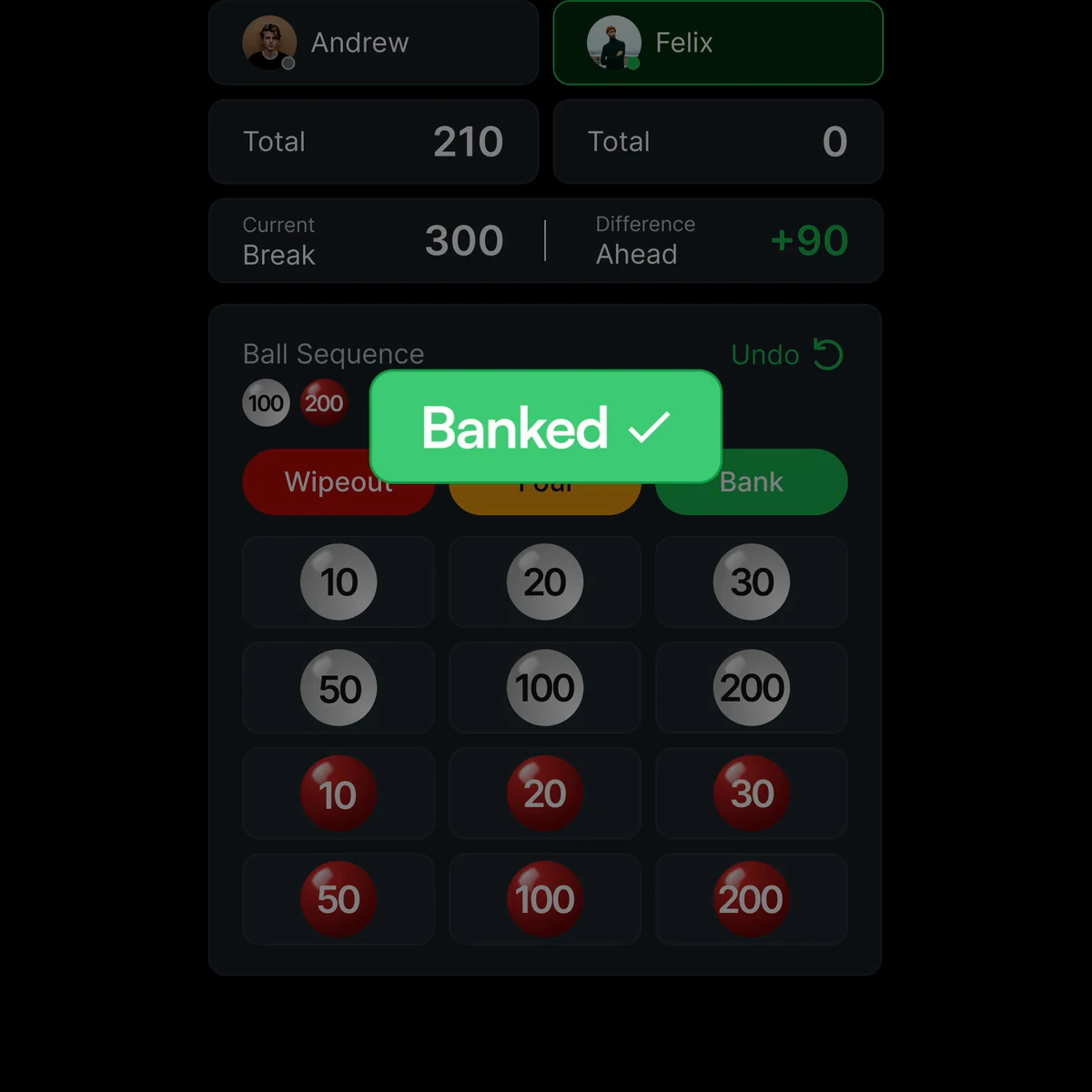
See the full animation in About60Once the rules make sense, use the same app to score the match, bank breaks and keep the game state clear for everyone.
Explore live scoring in About60The page is the overview. The app is the lesson.
Static frames are useful for reference, but the onboarding was built as an animated sequence. The app shows where the ball starts, how it moves, what changes on the scoreboard and why a shot succeeds or fails.
Frequently asked questions
Competitive play: use this page to understand the game, then follow the rule set adopted by your league, venue or tournament.